
Creator Interview
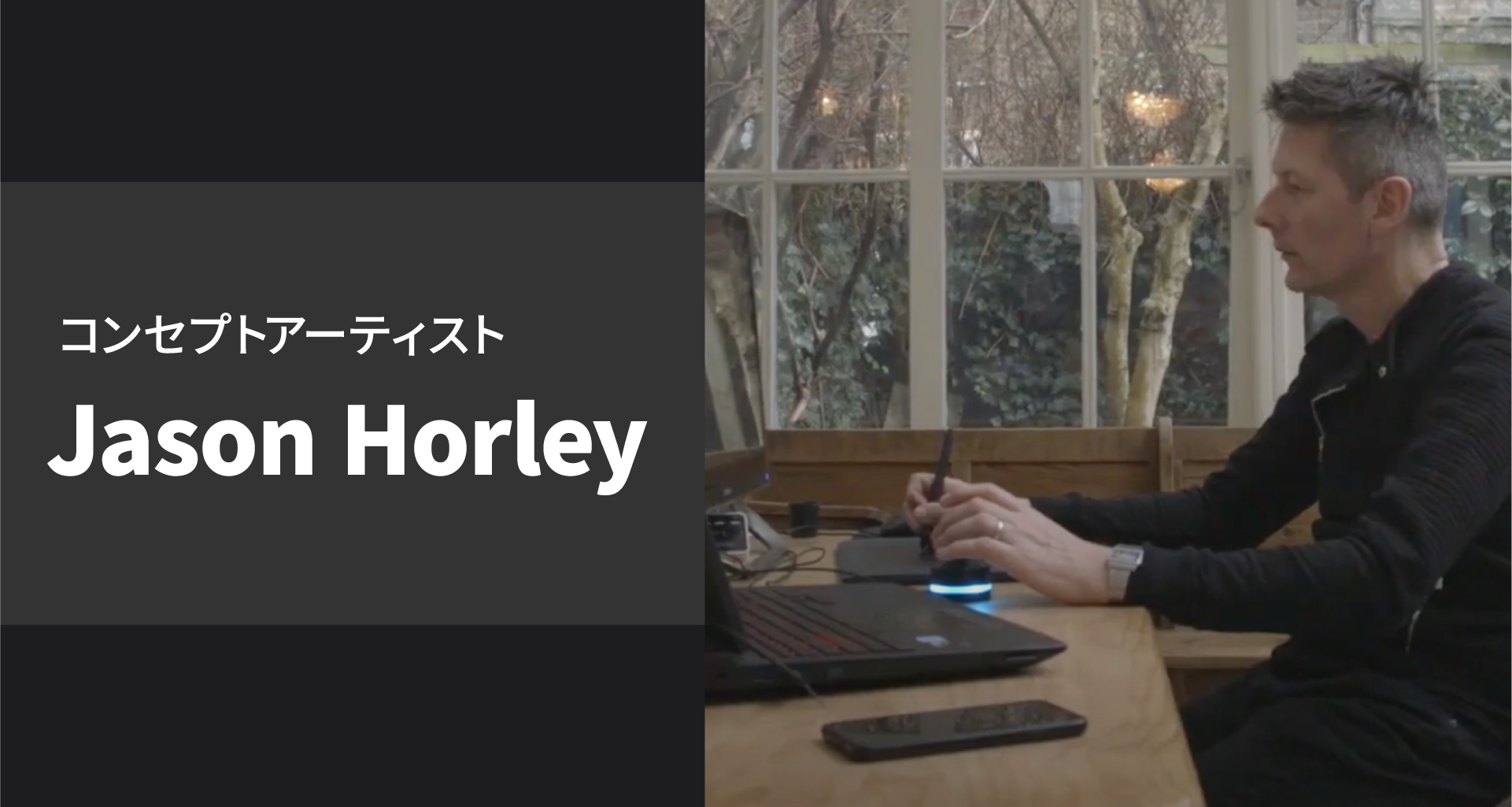
Jason Horley, a very active Hollywood concept artist with "Tarzan", "Harry Potter", "Star Wars" and so on plus the Orbital2, makes for a very great video interview.
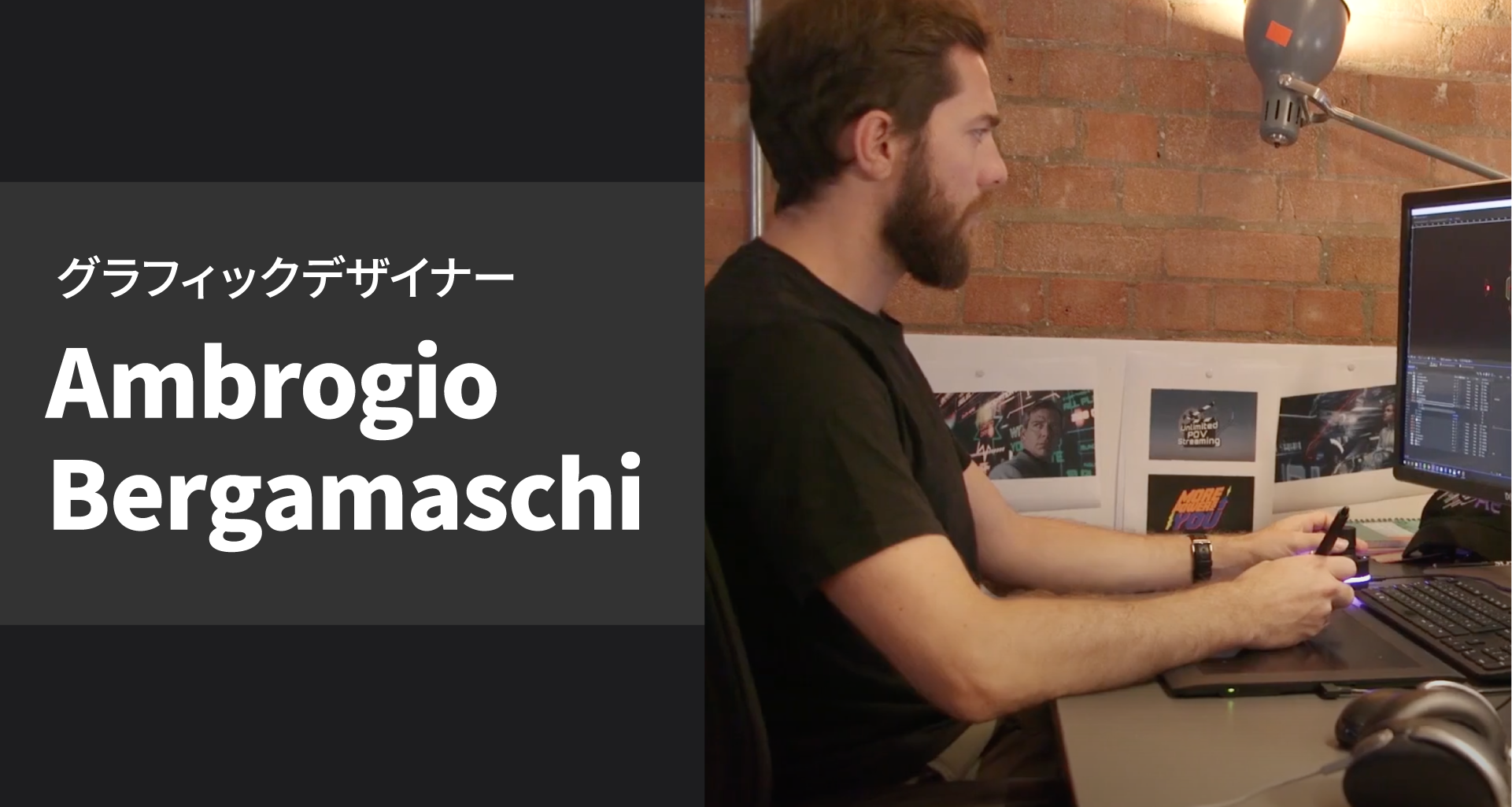
This video shows Ambrogio Bergamaschi, an active 3D motion designer for Hollywood movies and video games, using the Orbital2 for work.
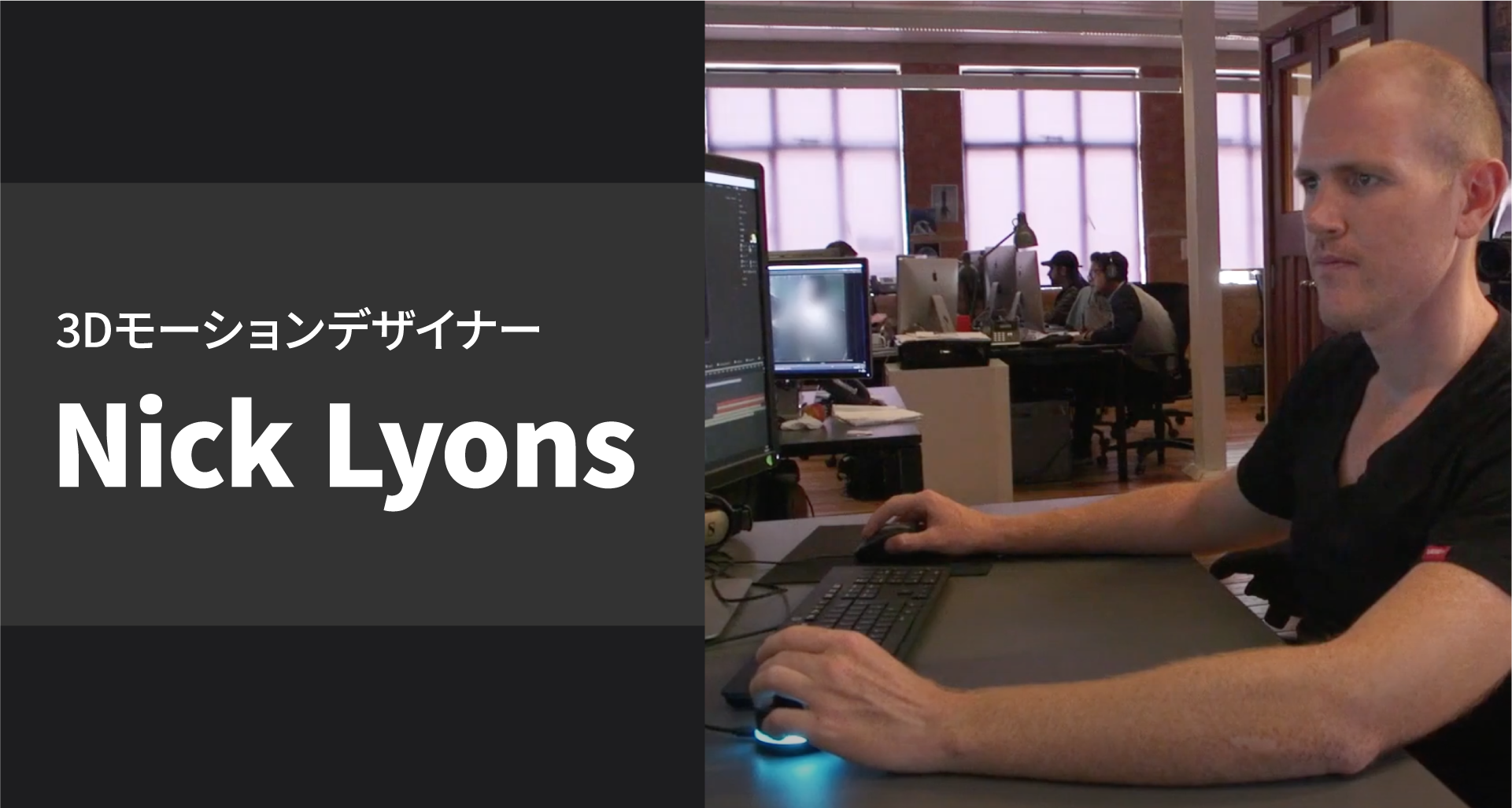
This video shows Nick Lyons, an active 3D motion designer for Hollywood movies and video games, using the Orbital2 for work.
![“[ Creator: Daisuke Niwa ] Intuitive Parameter Adjustment](/assets/images/ja/reviews/reviews_thumb_07.png)
[ Creator: Daisuke Niwa ] Intuitive Parameter Adjustment
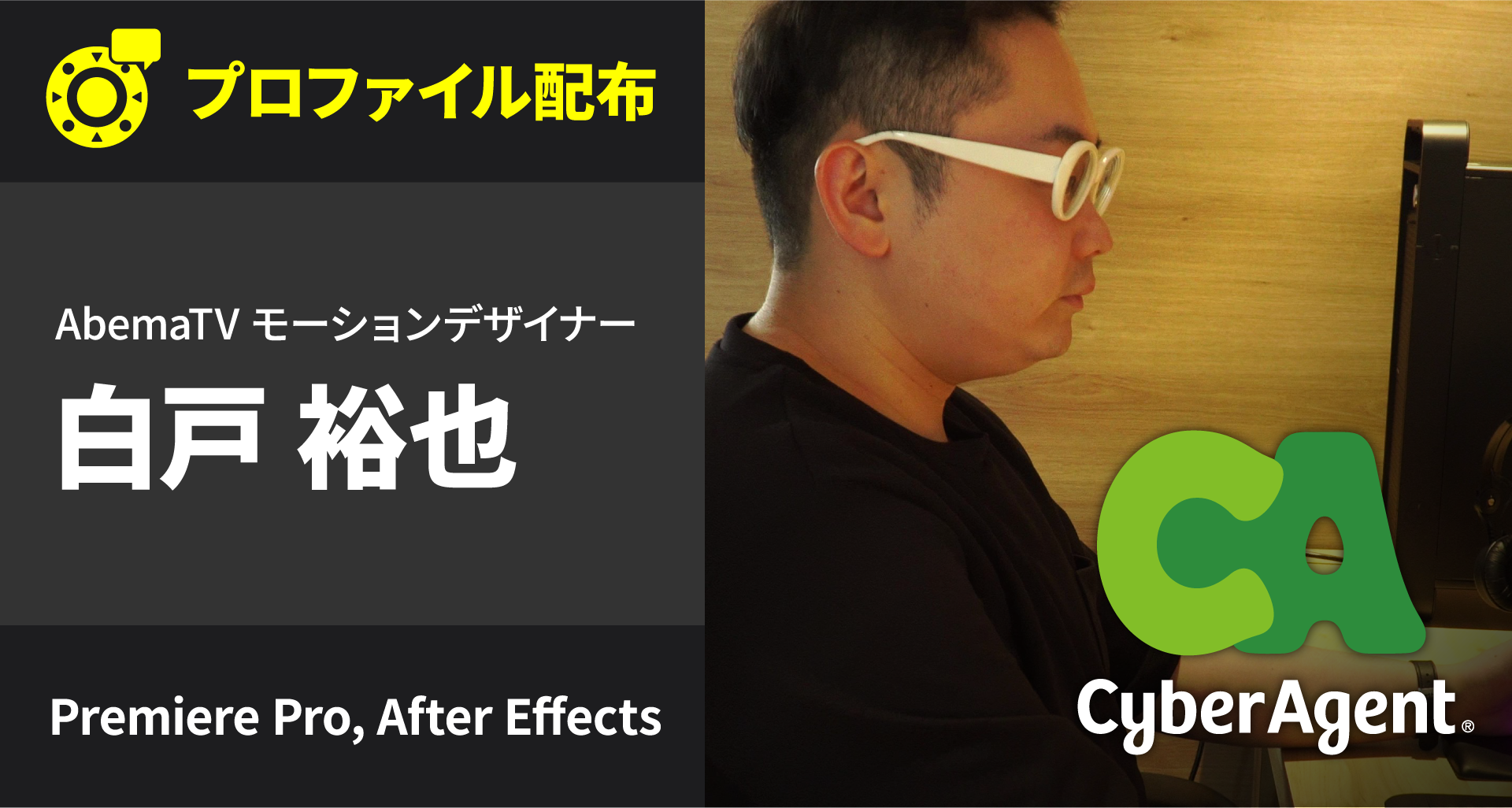
Company Interview Vol.02 – Yuya Shiro
![[YouTuber: Dustman / Motion Graphics Creator: Yuya Shiroto] Building a Fully Automated Motion Graphics System!?](/assets/images/ja/reviews/reviews_thumb_11.png)
[YouTuber: Dustman / Motion Graphics Creator: Yuya Shiroto] Building a Fully Automated Motion Graphics System!?

【Video Creator: Masahiro Sagawa】 How to Use Orbital2 with Premiere Pro
![[ YouTuber: RaccoonEffect ] Improve Work Efficiency with Support for Multiple Creative Software!](/assets/images/ja/reviews/reviews_thumb_13.png)
[ YouTuber: RaccoonEffect ] Improve Work Efficiency with Support for Multiple Creative Software!

【 YouTuber: Yusuke Okawa 】 How to Assign Controls for Seamless Video Editing
![[Video Creator: Kirin Kinomoto] Automating Workflows with Macros and Expressions](/assets/images/ja/reviews/reviews_thumb_24.png)
[Video Creator: Kirin Kinomoto] Automating Workflows with Macros and Expressions
![[ YouTuber : Koji Kawai ]Tried Out the Must-Have Device for Creators: Orbital2!](/assets/images/ja/reviews/reviews_thumb_36.png)
[ YouTuber : Koji Kawai ]Tried Out the Must-Have Device for Creators: Orbital2!
![[ Motion Graphic Designer: Funya ] Customize Freely with the Mode That Suits You Best!](/assets/images/ja/reviews/reviews_thumb_39.png)
[ Motion Graphic Designer: Funya ] Customize Freely with the Mode That Suits You Best!
![[ Video Creator: Kirin Kinomoto ]Creative TECH #2 Master Glitch with Fully Automated Expressions!](/assets/images/ja/reviews/reviews_thumb_40.png)
[ Video Creator: Kirin Kinomoto ]Creative TECH #2 Master Glitch with Fully Automated Expressions!
![[ Video Designer / Director : Suguru Asakura ]Unlock Infinite Combinations! Customize Expressions, Layer Operations, and More Freely!](/assets/images/ja/reviews/reviews_thumb_41.png)
[ Video Designer / Director : Suguru Asakura ]Unlock Infinite Combinations! Customize Expressions, Layer Operations, and More Freely!
![[ Motion Graphic Director / CG Designer: yama_ko (Kotaro Yamazaki) ]No Need to Check Home Position—Work Comfortably with Intuitive Control!](/assets/images/ja/reviews/reviews_thumb_42.png)
[ Motion Graphic Director / CG Designer: yama_ko (Kotaro Yamazaki) ]No Need to Check Home Position—Work Comfortably with Intuitive Control!
![[ YouTuber : kimimaro ]Tried Editing Video Using “DaVinci Resolve × Orbital2”!](/assets/images/ja/reviews/reviews_thumb_44.png)
[ YouTuber : kimimaro ]Tried Editing Video Using “DaVinci Resolve × Orbital2”!
![[ Video Designer : Shinya Murakami ]Operating MIDI Protocol with Orbital2 in Combination with Other Software!](/assets/images/ja/reviews/reviews_thumb_46.png)
[ Video Designer : Shinya Murakami ]Operating MIDI Protocol with Orbital2 in Combination with Other Software!
![[ Video Creator: BOOYAH ENTERTAINMENT ]Achieve essential editing movements without moving your hand—just rest it and let Orbital2 do the work!](/assets/images/ja/reviews/reviews_thumb_47.png)
[ Video Creator: BOOYAH ENTERTAINMENT ]Achieve essential editing movements without moving your hand—just rest it and let Orbital2 do the work!